
If you spot a trade, order, or fund movement in your Rupeezy account that you didn't authorise, freeze your account (or deactivate just the affected segment with Kill Switch) to stop further activity, then report it to Rupeezy support the same way you'd raise any complaint.
What should I do first, before reporting it?
Stop any further unauthorised activity before anything else:
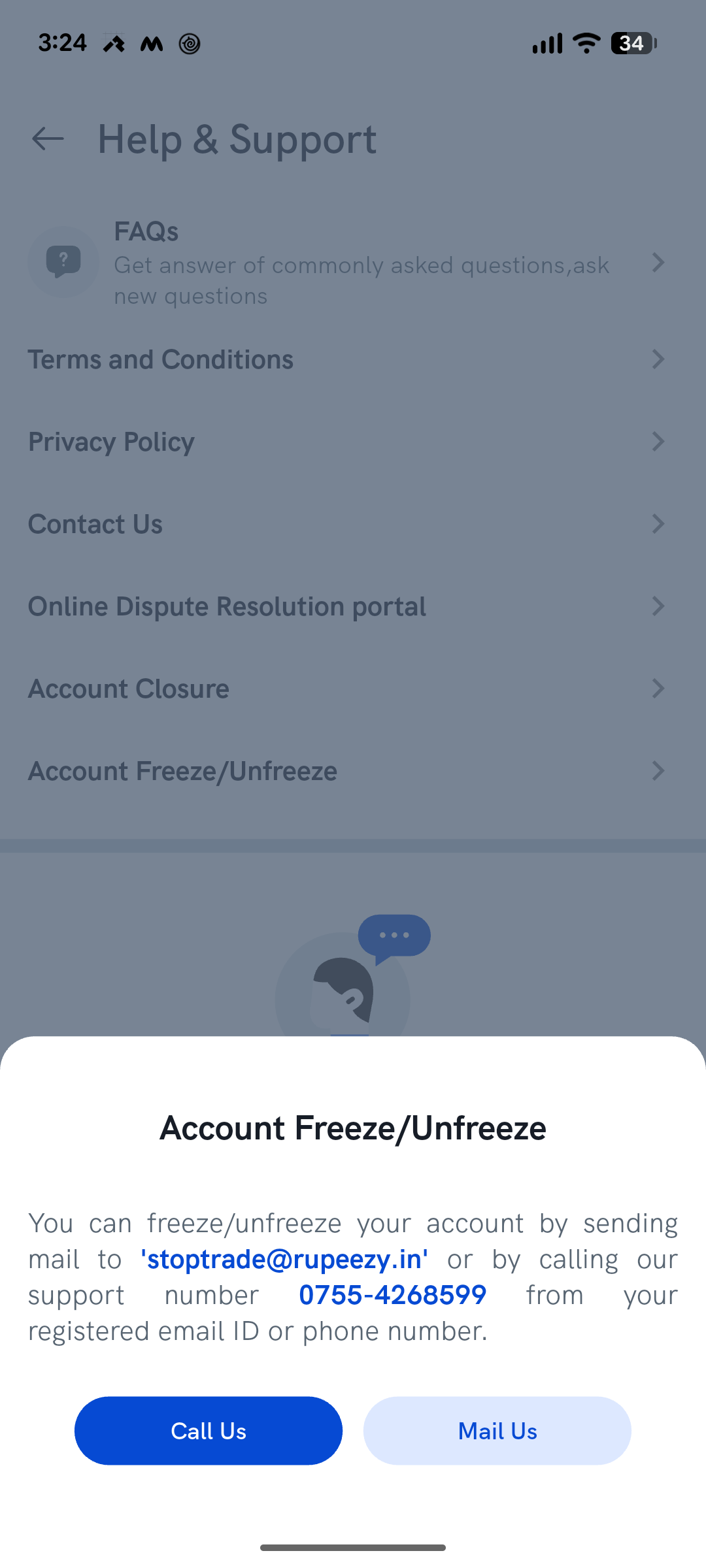
- Freeze your entire account — call 0755-4268599 or email stoptrade@rupeezy.in from your registered mobile number or email ID. This blocks new order placements, GTT orders, and IPO applications across every segment. See How do I freeze or unfreeze my trading account?
- Or deactivate just the affected segment with Kill Switch, if the rest of your account is unaffected and you want to keep trading there. See What is the Kill Switch and how do I use it?
Where to find this in the app
Both options are reachable from Account > Help & Support > Account Freeze/Unfreeze.
How do I report an unauthorised trade or fraudulent transaction?
Report it to Rupeezy support through the same channels as any complaint:
- Create a ticket on the help portal
- Email support@rupeezy.in
- Call 0755-4268599
Share as much detail as you have — the date and time, the order ID(s) or transaction reference, the scrip/instrument, and the quantity or amount involved — so support can investigate quickly. See How do I create a ticket or raise a complaint at Rupeezy? for the full process.
When should I report it?
As soon as you notice it — don't wait to see if it resolves on its own. The sooner Rupeezy knows, the sooner support can investigate, and the sooner you can freeze the account or segment if it's still active.
What if my complaint isn't resolved?
If Rupeezy's support doesn't resolve it to your satisfaction, escalate it:
- Rupeezy's grievance desk — email grievance@rupeezy.in or call 0755-4268599, referencing your ticket number. See How do I escalate a complaint at Rupeezy?
- SEBI SCORES — if the grievance desk doesn't resolve it either, file at scores.sebi.gov.in. See the same escalation article above for how.
- SEBI's ODR portal — if you're still unsatisfied after SCORES, you can take the dispute to online conciliation/arbitration. See How do I use ODR to resolve disputes with my broker or listed companies?
Things to keep in mind
- Rupeezy support will never ask you for your OTP, TOTP code, or MPIN to investigate this — treat any such request as a scam. See How do I spot investment scams that use Rupeezy's name?
- If the trade or transaction wasn't placed by you at all — for example, someone logged into your account without your knowledge — also review your login activity. See How does Rupeezy ensure the safety of client data from cyber-attacks and hacking?