
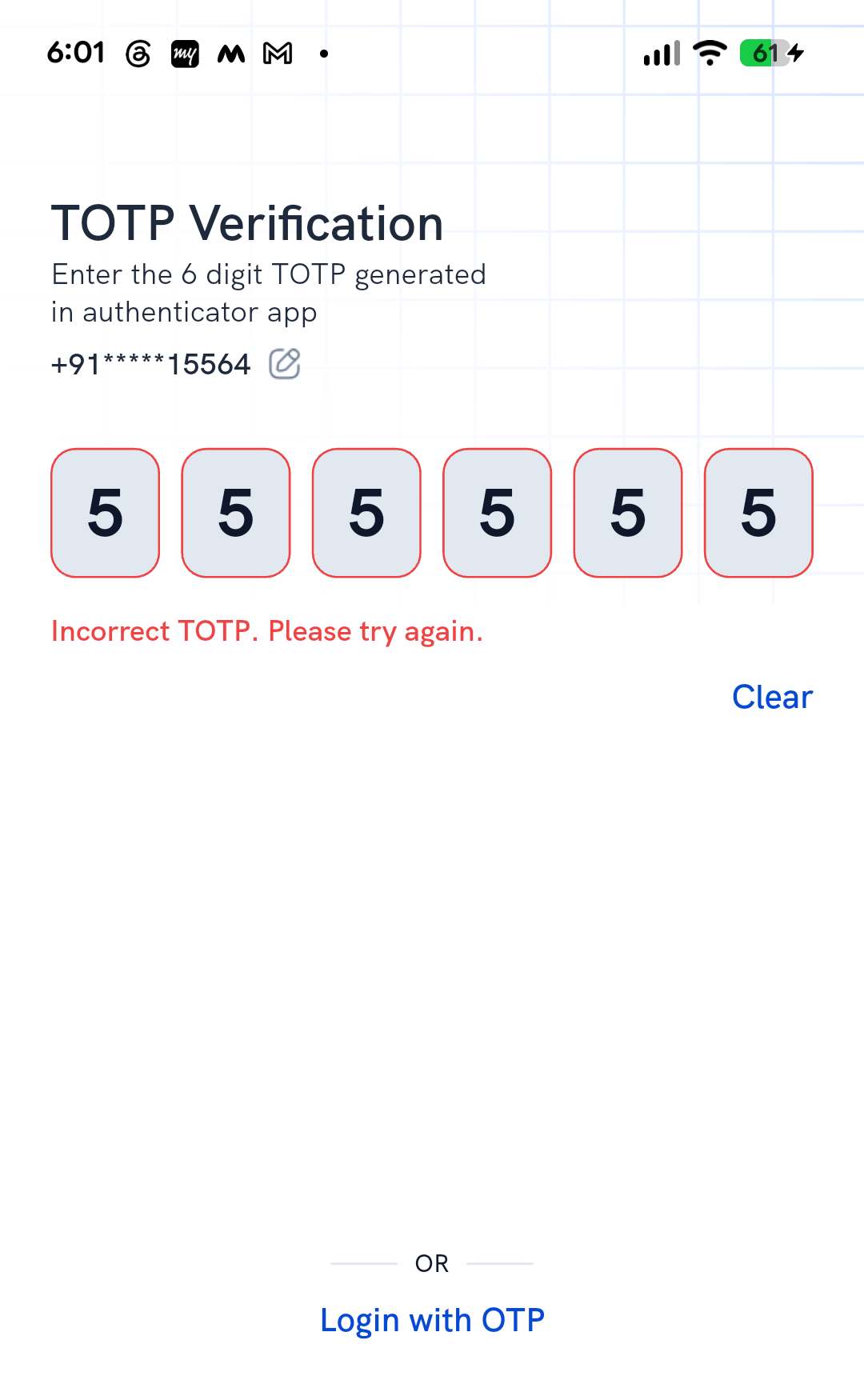
Rupeezy shows "Incorrect TOTP. Please try again." at login when the 6-digit code you entered doesn't match what your authenticator app should be showing at that moment. The message doesn't say why — it can be an expired code, a mistyped one, or your phone's clock drifting out of sync with the real time.
Why does this happen?
TOTP codes are time-based and refresh every 30 seconds, so any of these can trigger the same "Incorrect TOTP" error:
- The code expired — you entered it just as your authenticator app refreshed to a new one.
- You typed the wrong code — a typo, or you read the code for a different account in your authenticator app.
- Your phone's clock has drifted — TOTP codes are generated from the current time, so if your device's clock is off, the code it shows won't match what Rupeezy expects.
What should I do when I see this error?
Wait for your authenticator app to refresh to a new code, then enter that one carefully — don't reuse the code that just failed. If it keeps failing, check that your phone's date and time are set to automatic rather than a manual value; a drifted clock produces a wrong code even when you've typed it correctly.
What if it still doesn't work?
Tap Login with OTP on the same screen to get an OTP by SMS/email instead of TOTP, and log in that way. See How do I log in to the Rupeezy app?
If your authenticator app itself is gone — lost phone, deleted app — see What should I do if I lose access to my TOTP authenticator app? instead. If you need to set up TOTP again from scratch, see How do I set up TOTP for app login?.
Things to keep in mind
- Never share your TOTP code with anyone claiming to be Rupeezy support — support will never ask for it.