
Rupeezy's TV terminal (flow.rupeezy.in) supports keyboard shortcuts for navigation, watchlist control, and placing orders — press Shift + ? at any time to open the full list.
How to view the keyboard shortcuts on TV terminal
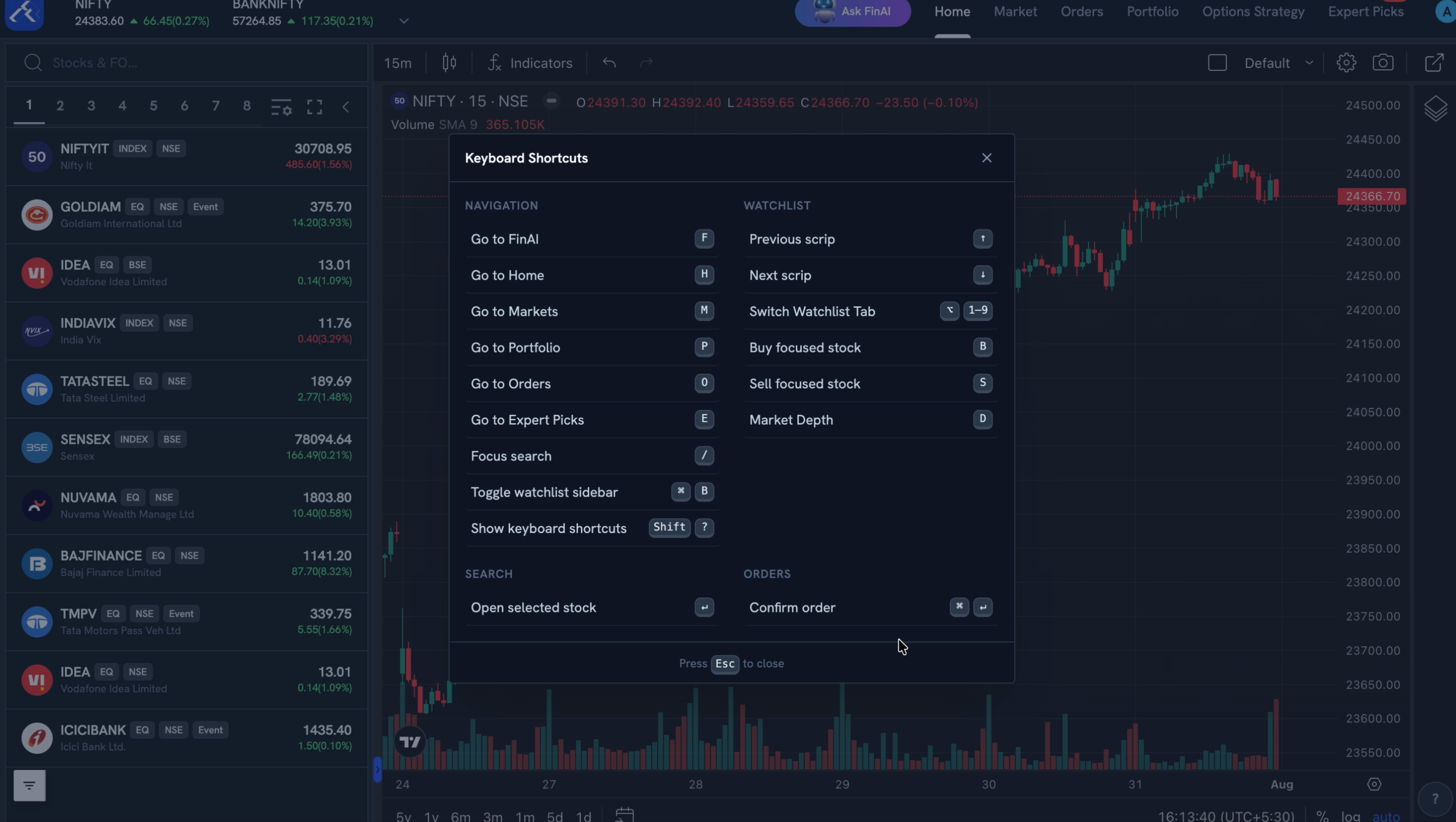
Press Shift + ? anywhere on the TV terminal to open the Keyboard Shortcuts panel shown above. Press Esc to close it.
Navigation shortcuts
| Shortcut | Action |
|---|---|
| F | Go to FinAI |
| H | Go to Home |
| M | Go to Markets |
| P | Go to Portfolio |
| O | Go to Orders |
| E | Go to Expert Picks |
| / | Focus search |
| ⌘ + B | Toggle watchlist sidebar |
| Shift + ? | Show keyboard shortcuts |
Watchlist shortcuts
| Shortcut | Action |
|---|---|
| ↑ | Previous scrip |
| ↓ | Next scrip |
| ⌥ + 1–9 | Switch watchlist tab |
| B | Buy the focused stock |
| S | Sell the focused stock |
| D | Open market depth |
Search and order shortcuts
| Shortcut | Action |
|---|---|
| ↵ (Enter) | Open the selected stock |
| ⌘ + ↵ (Enter) | Confirm the order |
Things to keep in mind
- These shortcuts are on TV terminal (flow.rupeezy.in) specifically.
- The chart itself has its own shortcuts — A (auto-fit) and L (log scale) on the price axis — see How do I change the price scale and axis on the chart?.