
On the Rupeezy support portal, you can attach a file to your reply using the Attach a file option in the reply box — each file must be under 5MB.
How do I attach a file while responding to a ticket?
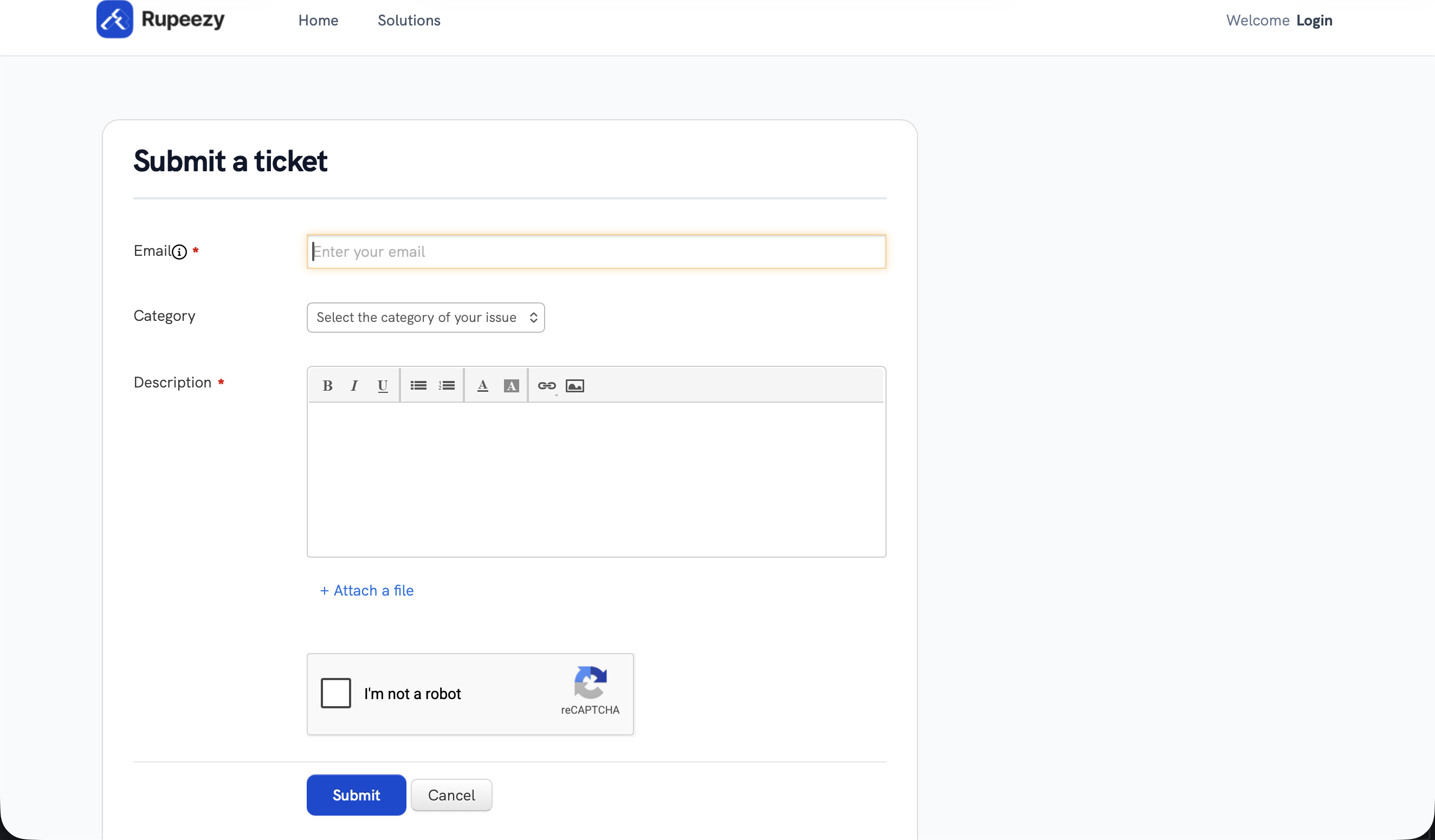
1. Open your ticket — log in at support.rupeezy.in, go to the Tickets tab, and open the ticket you want to reply to.
2. Add your reply — type your message in the reply box.
3. Attach the file — click Attach a file, then pick the file from your device.
4. Submit — send your reply; the file uploads along with it.
If you haven't raised a ticket yet, see How do I create a ticket or raise a complaint at Rupeezy?; to follow up on one you've raised, see How to know the status of my complaint?.
What if my file is larger than 5MB?
Rupeezy's support portal accepts attachments up to 5MB per file. If your file is bigger, don't try to attach it directly — upload it to any cloud storage service you use and paste the shareable link in your reply instead.