
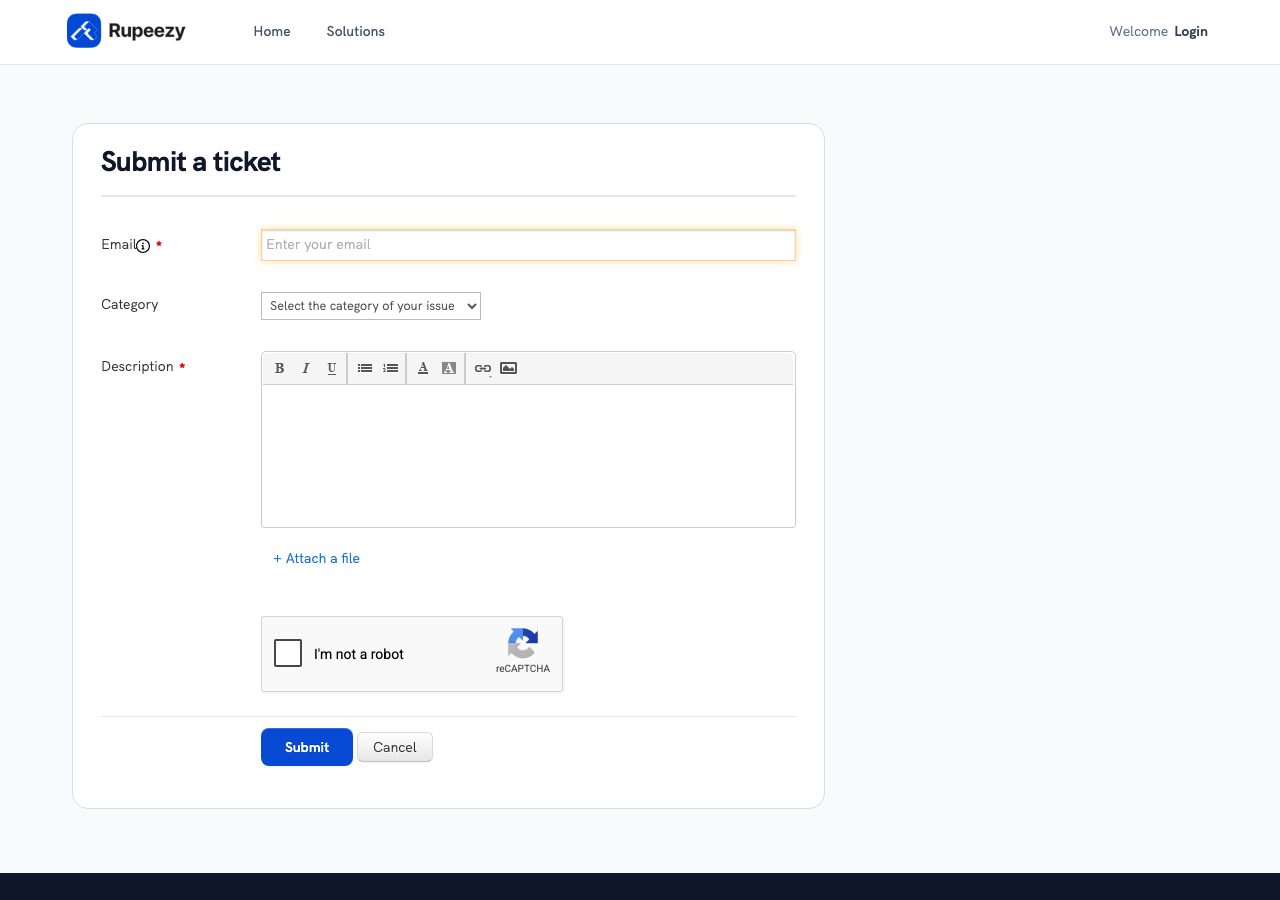
Yes. You don't need to log in to submit a ticket on Rupeezy's support portal — the new ticket form only asks for your email address, so you can raise one even without an account or while logged out.
What do I need to submit a ticket without logging in?
Just your email address and a description of your issue — Category is optional. Rupeezy replies to the email you enter, so use one you can check.
Do I need to log in for anything?
Not to raise a ticket. You only need to log in to the support portal afterwards, if you want to track your ticket's status — see How to know the status of my complaint?.
You can also skip the portal entirely and raise a ticket by emailing support@rupeezy.in or calling 0755-4268599 — neither needs any login either. For all the ways to raise a ticket, see How do I create a ticket or raise a complaint at Rupeezy?; you can also raise one after closure — see Can I create a ticket after my Rupeezy account is closed?.