
Order splitting lets you place an F&O order for more lots than the exchange allows in a single order. Rupeezy splits it into orders of the maximum allowed size plus one for the remainder, and sends all of them to the exchange together. You place it in one tap, instead of placing the same order again and again or building a basket.
How does order splitting work?
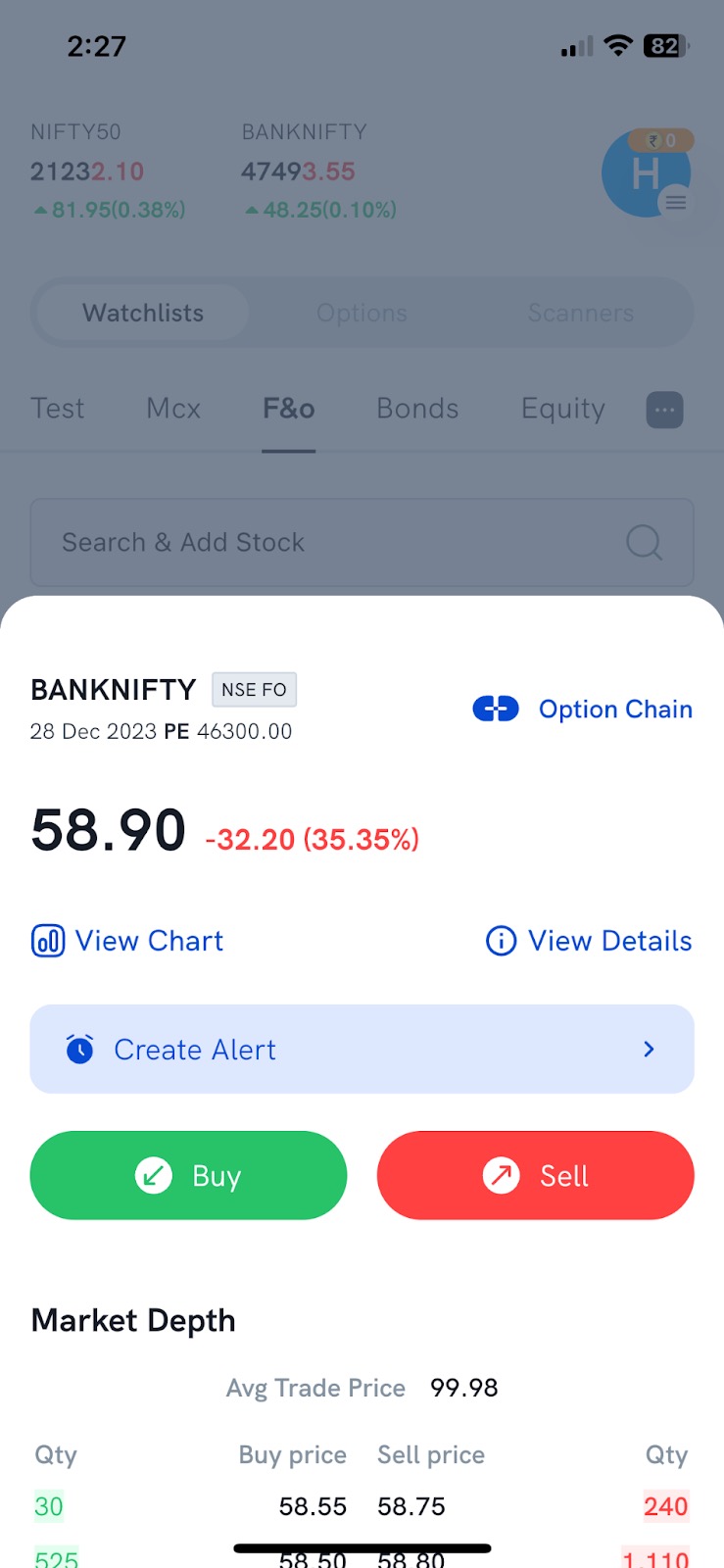
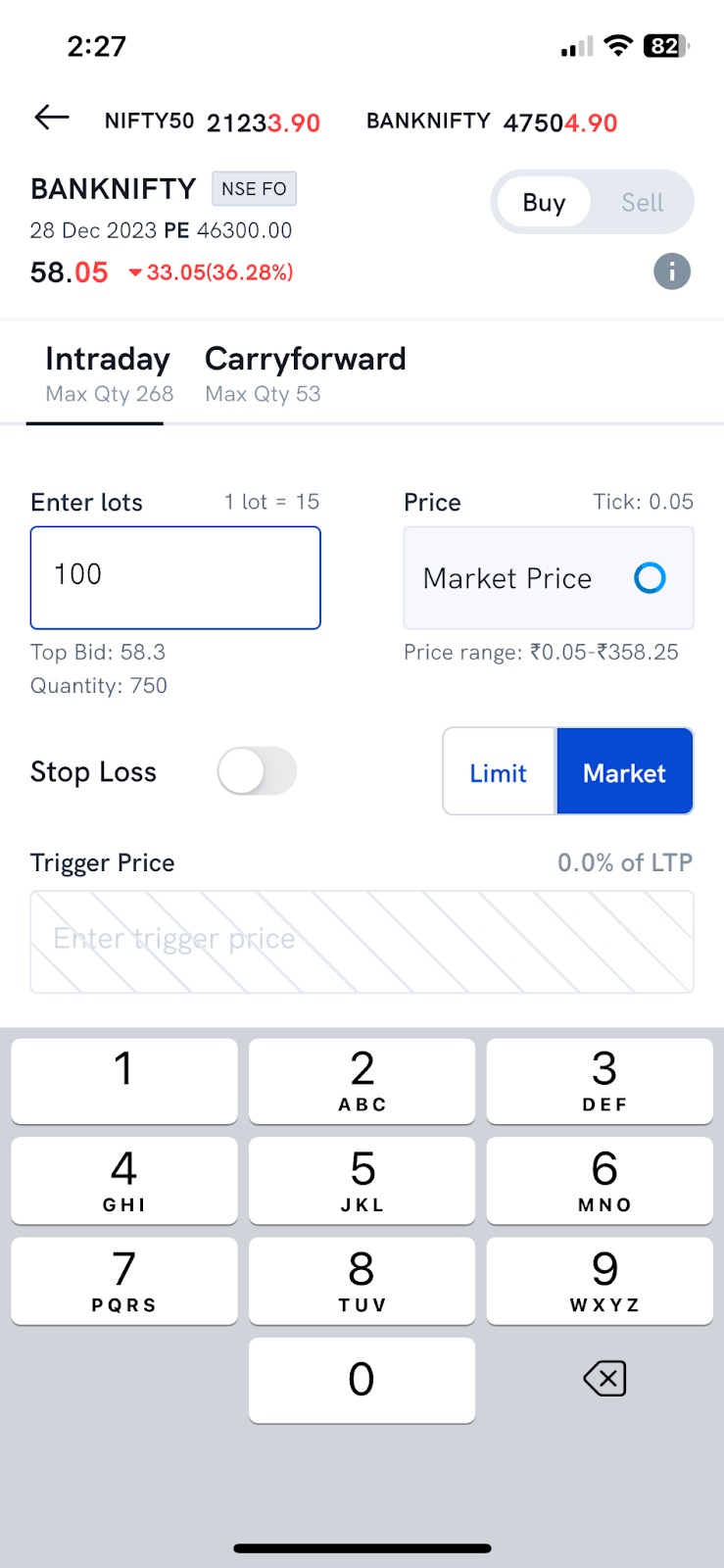
The exchange caps how many lots one order can have (its "freeze limit"), and an order above that is rejected. The cap for each contract shows on the order screen as Max Qty under Intraday and Carryforward.
For example, if a contract's limit is 60 lots per order:
- An order for 75 lots is placed as 2 orders: 60 lots and 15 lots.
- An order for 150 lots is placed as 3 orders: 60, 60 and 30 lots.
- An order for 55 lots is within the limit, so it's placed as a single order.
For more on these limits, see What are order freeze limits in F&O?
How do I use order splitting?
- Open the order screen for the F&O contract.
- Enter the lots you want, even if it's more than Max Qty.
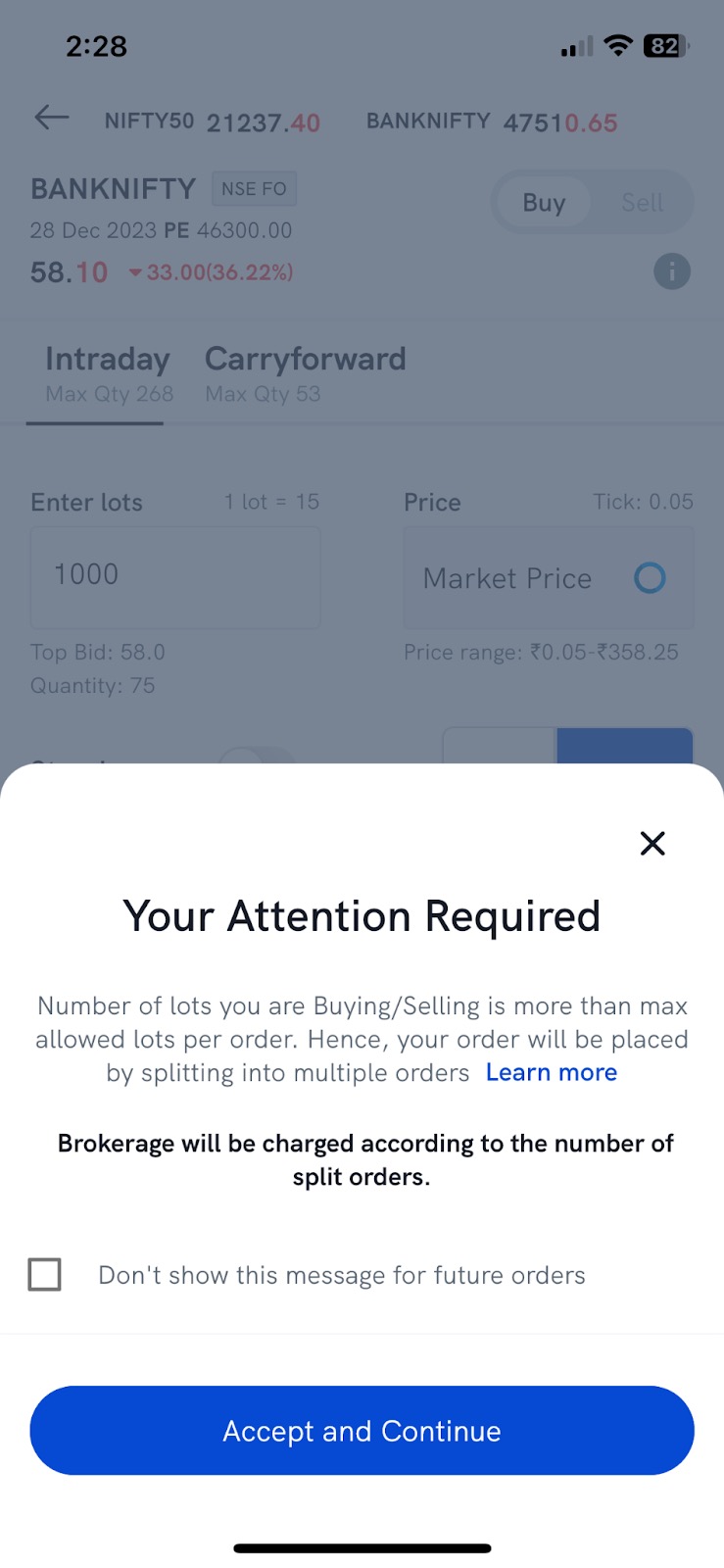
- If the lots are above the limit, a message tells you the order will be placed as multiple orders and that brokerage is charged per order. Tap Accept and Continue.
Things to keep in mind
- All the split orders go to the exchange at once, so each one is filled on its own and they can fill at different prices.
- Each split order is a separate order, so brokerage is charged per order. A 150-lot order placed as 3 orders is charged as 3 orders.
- To send a large F&O order in legs, one after the other, so the full size never shows in market depth, use an Iceberg order instead.