
You can check the status of any complaint you've raised in the Rupeezy app, under Account → Help & Support → My Tickets, or by logging in to the Rupeezy support portal, support.rupeezy.in, and opening the ticket from the Tickets tab. If you haven't raised one yet, see How do I create a ticket or raise a complaint at Rupeezy?
How do I check my tickets in the Rupeezy app?
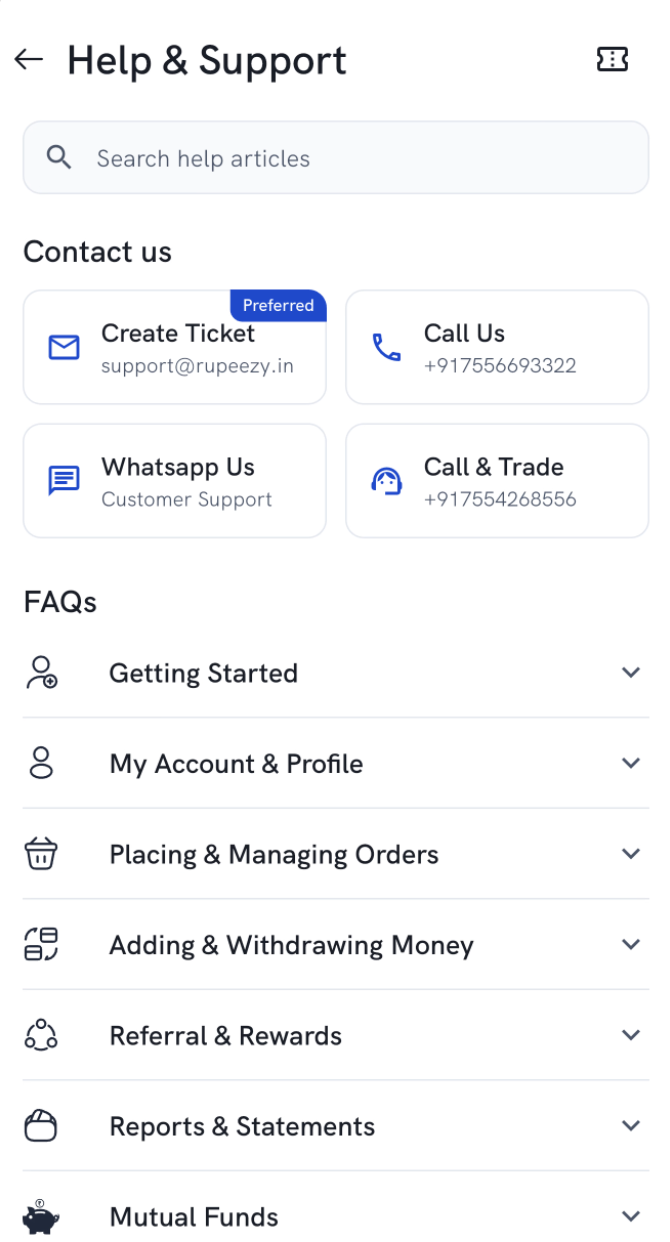
- Go to Account → Help & Support.
- Tap the ticket icon in the top-right corner.
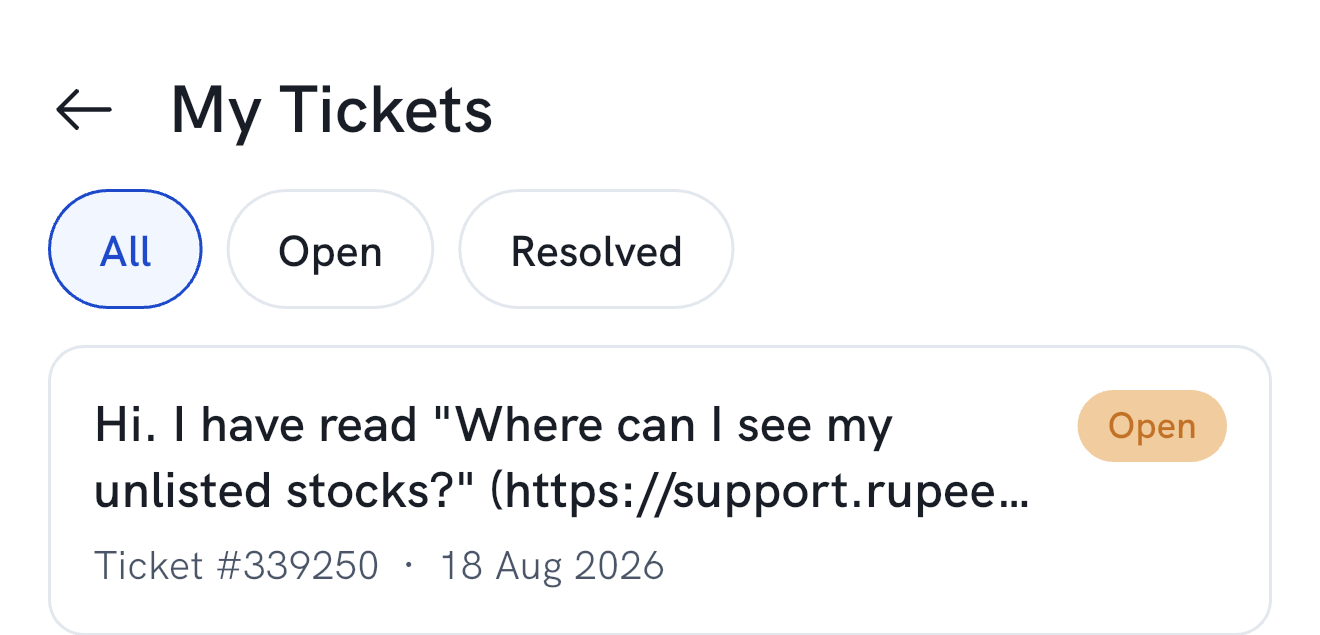
- My Tickets lists every ticket you've raised, with its status. Tap All, Open or Resolved to filter the list.
How do I check my ticket on the support portal?
- Go to support.rupeezy.in.
- Click Login in the top-right corner.
- Log in with your email and password, or with Google or Facebook.
- Once you're logged in, go to the Tickets tab.
- Open any ticket to see its status.
What if my complaint isn't resolved?
You can escalate it — see How do I escalate a complaint at Rupeezy?