
You can log in to Rupeezy on a desktop by scanning a QR code with the Rupeezy app on your phone, instead of typing your mobile number, OTP and MPIN. Go to flow.rupeezy.in, click login using QR Code, and scan the code from the app. It's the same login for Rupeezy Web, TradingView and Dock.
How do I log in with a QR code on desktop?
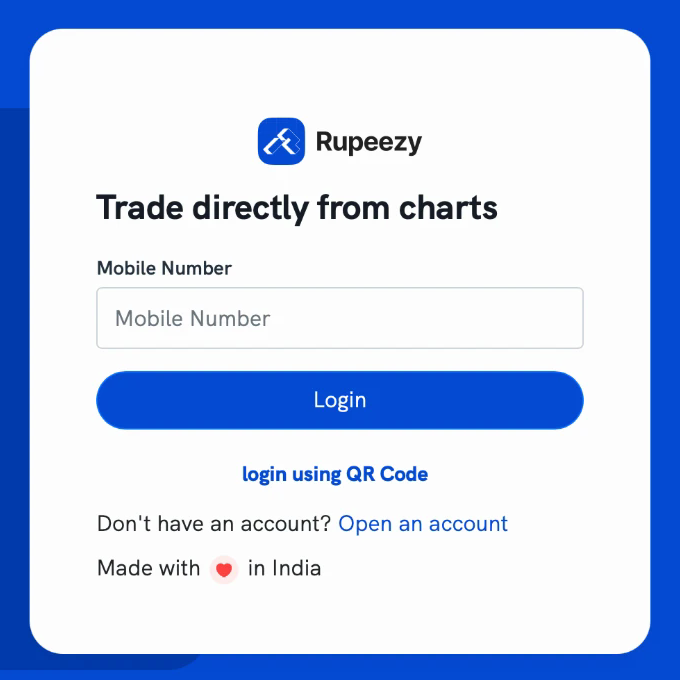
1. On your desktop, go to flow.rupeezy.in and click login using QR Code.
2. A QR code appears on the screen.
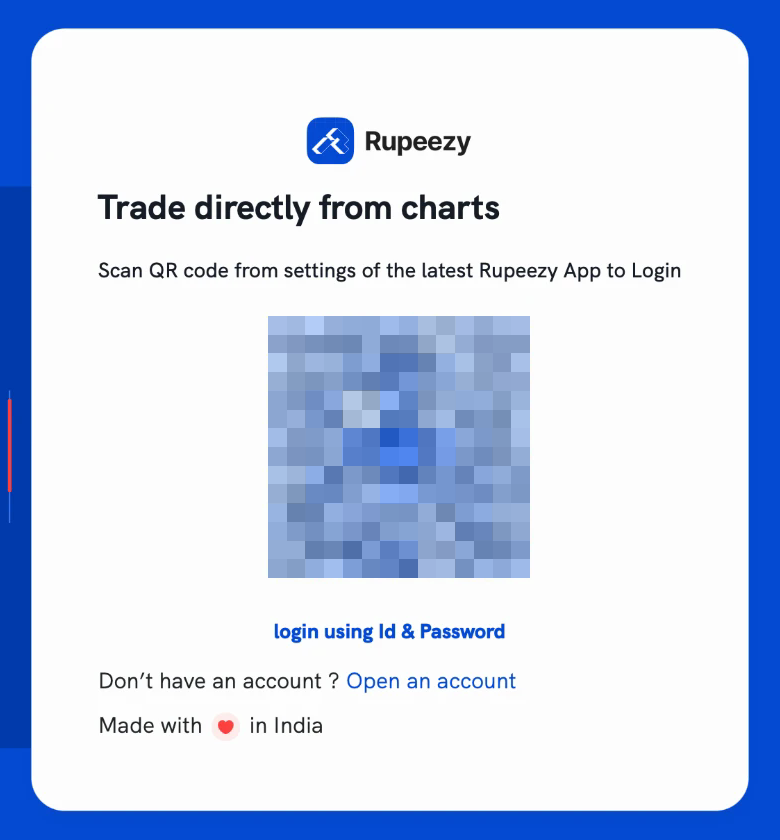
3. On your phone, open the Rupeezy app, go to your profile and tap Sign In With QR Code. Allow camera access if the app asks for it.
4. Scan the QR code on your desktop screen. You're logged in straight away — then choose Rupeezy Web, TradingView or Dock, or you're taken straight to the one you were opening. See How do I log in to Rupeezy web?
Do I still need my mobile number, OTP or MPIN?
No. Your phone is already logged in to the Rupeezy app, so scanning the code is what confirms it's you. If you'd rather log in the usual way, see How do I log in to Rupeezy web?
Things to keep in mind
- Your phone needs to be logged in to the Rupeezy app for this to work.
- Only scan a QR code shown on your own desktop screen. Scanning a code someone sends you logs their computer into your account — never scan one shared over chat, email or a call.