
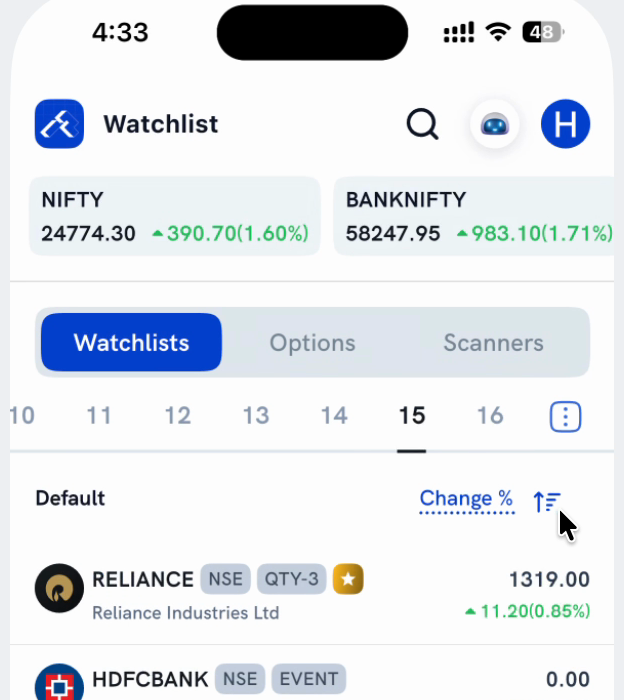
On Rupeezy, every Watchlist row already shows the day's change as both the absolute value and the percentage together, e.g. ▲390.70(1.60%) — there's no separate switch to see just one on its own.
Is there a way to show just the absolute value or just the percentage?
No. The Volume / Absolute change / Change % label above your list looks like a display toggle but only changes what the list is sorted by — see How do I sort my Watchlist by change? Selecting Absolute change or Change % sorts differently but shows the same combined figure either way. Only Volume changes what's on the row — it replaces the price and change with the traded volume instead.