
The Rupeezy app has four main tabs at the bottom of the screen — Home, Watchlist, Orders and Portfolio — and your profile sits behind the account icon in the top-right corner.
What do the Home, Watchlist, Orders and Portfolio tabs do?
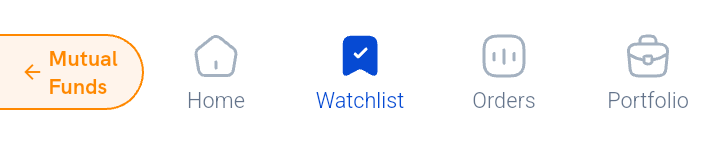
- Home — your starting screen: market indices, news and updates.
- Watchlist — the stocks and indices you track, plus tools like Options and Scanners.
- Orders — every order you've placed, open and completed.
- Portfolio — your holdings and investments.
- Profile icon (top-right "A") — your account details, settings and support.
You may also see a Mutual Funds shortcut floating near the bottom tabs — it's a quick link into mutual fund investing, not one of the four main tabs.
Already opened your account?
If you've completed account opening and want a step-by-step checklist — adding funds, understanding charges, placing your first trade — see I've opened my account, what do I do first?
Haven't opened an account yet?
See How do I open an account with Rupeezy? to get started.