
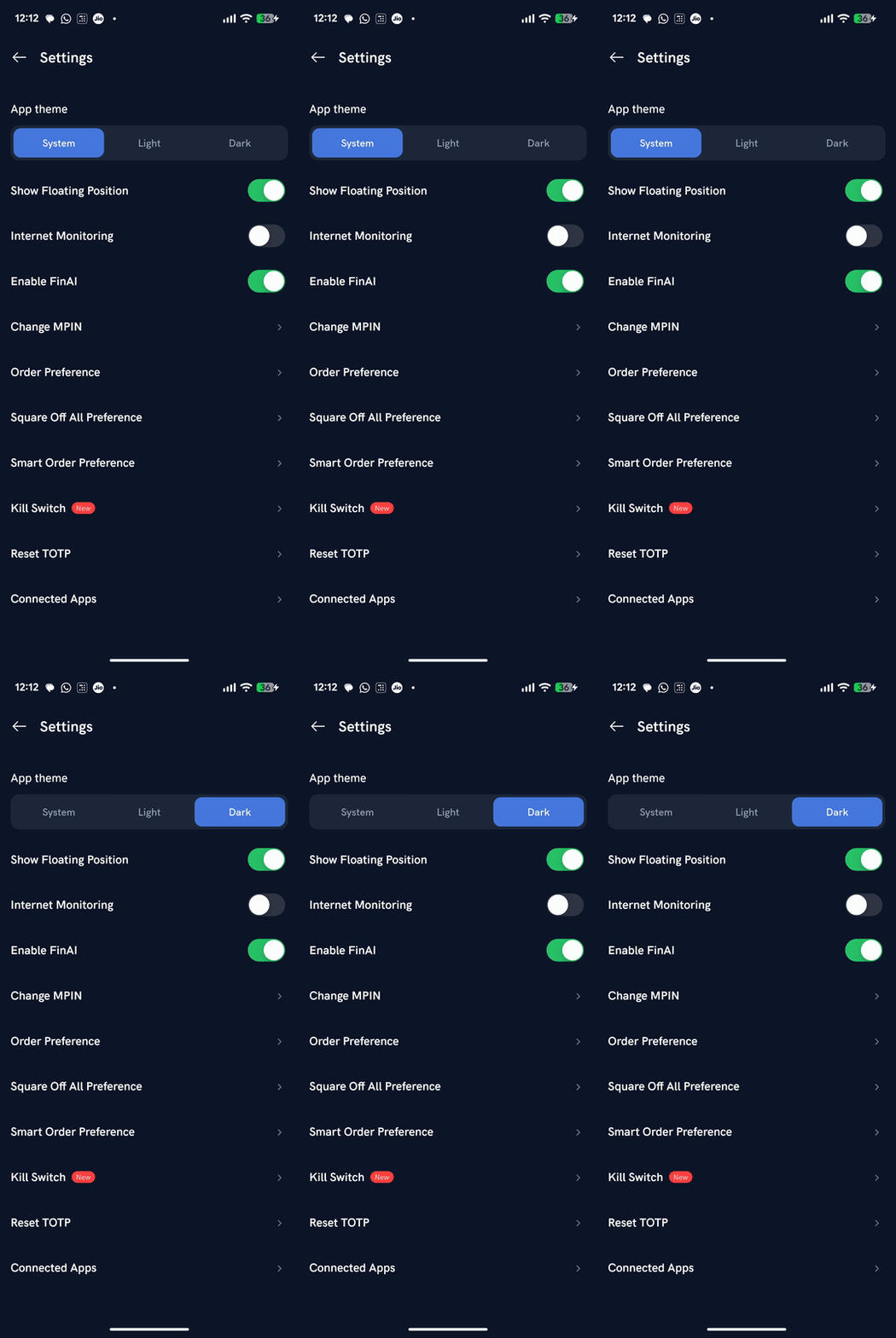
Rupeezy's app has a built-in dark theme — go to Account → Settings → App theme and tap Dark. You can also choose Light, or System to automatically match your phone's own light/dark setting.
How do I switch to dark theme on the Rupeezy app?
1. Tap your profile icon — it's the circle with your initial, at the top-right of the Home screen. This opens Account.
2. Scroll down and tap Settings — under the account menu.
3. Under App theme, tap Dark — the app switches immediately. Tap Light for a light look instead, or System to follow your phone's own theme setting.
Does the App theme setting sync across my devices?
No — it's saved on the device itself, not to your Rupeezy account. If you log in on another phone, you'll need to set App theme there separately.
Things to keep in mind
- System follows whatever light/dark setting your phone itself is set to, and switches automatically if you change your phone's theme.
- Dark and Light override your phone's setting and stay fixed until you change them again in the app.