
Sometimes a chart can open blank if it doesn't finish loading — usually a momentary connection or rendering hiccup. The quickest fix is to hard-refresh the chart: tap the reload icon in the chart and it loads again.
Reload the chart
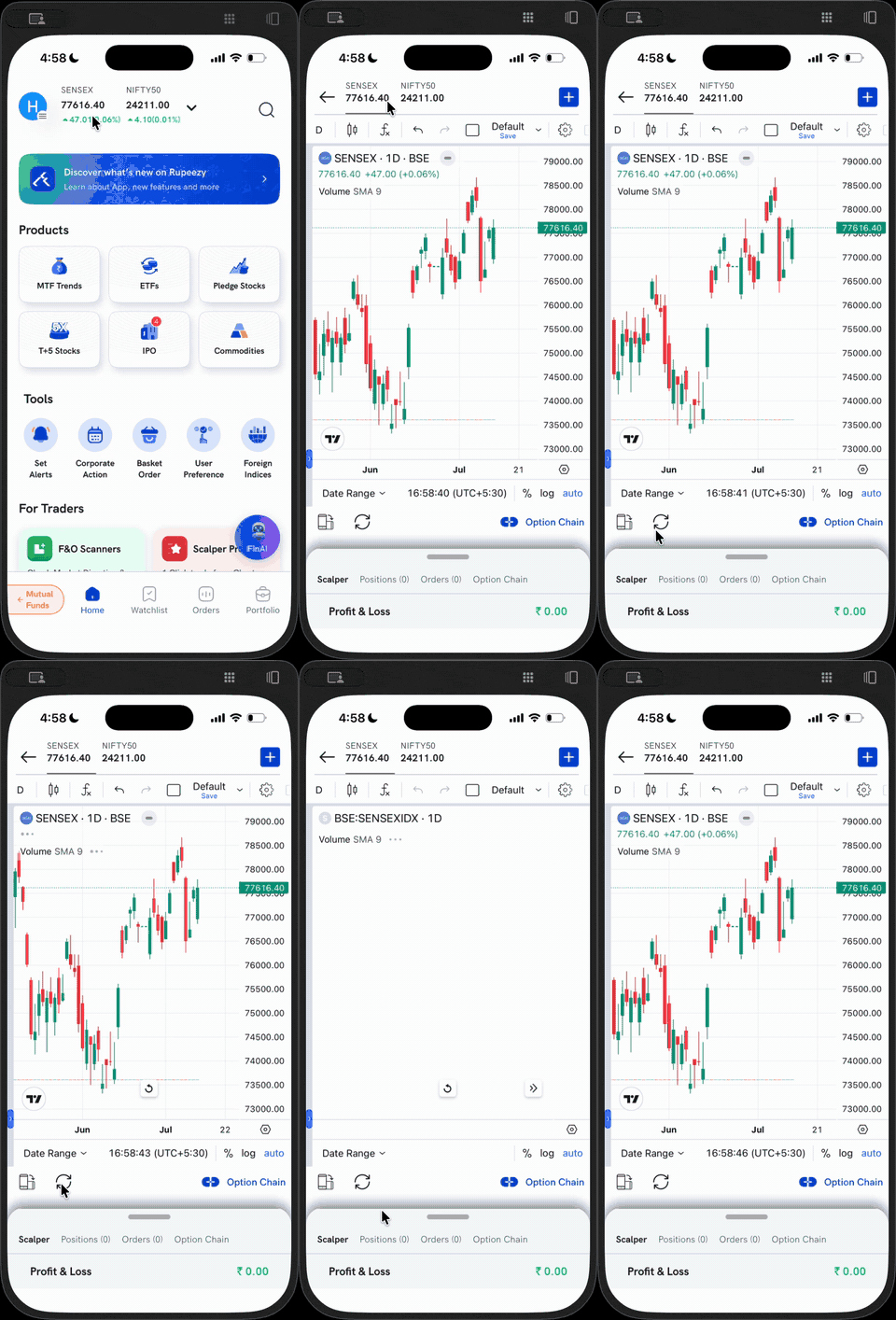
Tap the reload (circular-arrow) icon at the bottom-left of the chart toolbar — next to the layout icon. This hard-refreshes the chart, and the candles load again.
If the chart is still blank
- Check your internet connection, then reload the chart again.
- Close the chart and open it once more.
- Make sure the Rupeezy app is updated to the latest version.
- Still not loading? Reach out to us — message WhatsApp support on 9977886572 (also in the app under Help & Support → Live Support), or raise a support ticket.