
Your chart drawings on the Rupeezy app save automatically every 15 seconds, so they'll still be there the next time you open the chart. To save them straight away, tap Save at the top of the chart.
Save your drawings manually
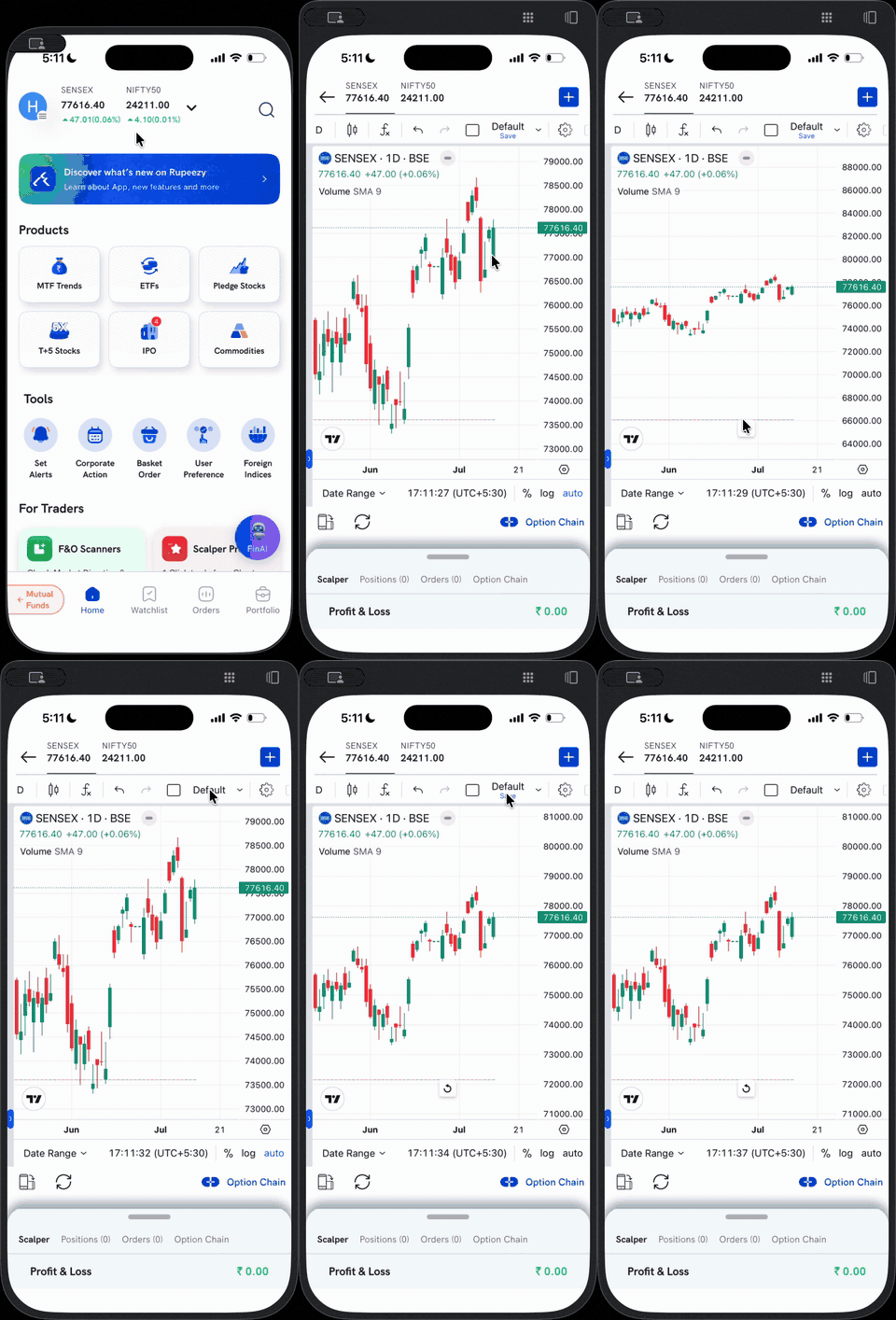
Tap Save — it sits under the layout name (Default) at the top-right of the chart toolbar, next to the settings icon. This saves your drawings and layout immediately, without waiting for the 15-second auto-save.
Good to know
- Drawings auto-save every 15 seconds — a manual save just makes it instant.
- Saved drawings and layout come back the next time you open the chart.