
You can convert a Margin Trading Facility (MTF) position to Delivery from Portfolio > MTF in the Rupeezy app: tap Convert to Delivery, select the stocks and quantity, and tap Confirm Conversion. The conversion goes through only if you have enough funds in your account, and every request is subject to RMS verification. Converting lets you own the shares outright and stop paying MTF interest on them.
How do I convert an MTF position to Delivery?
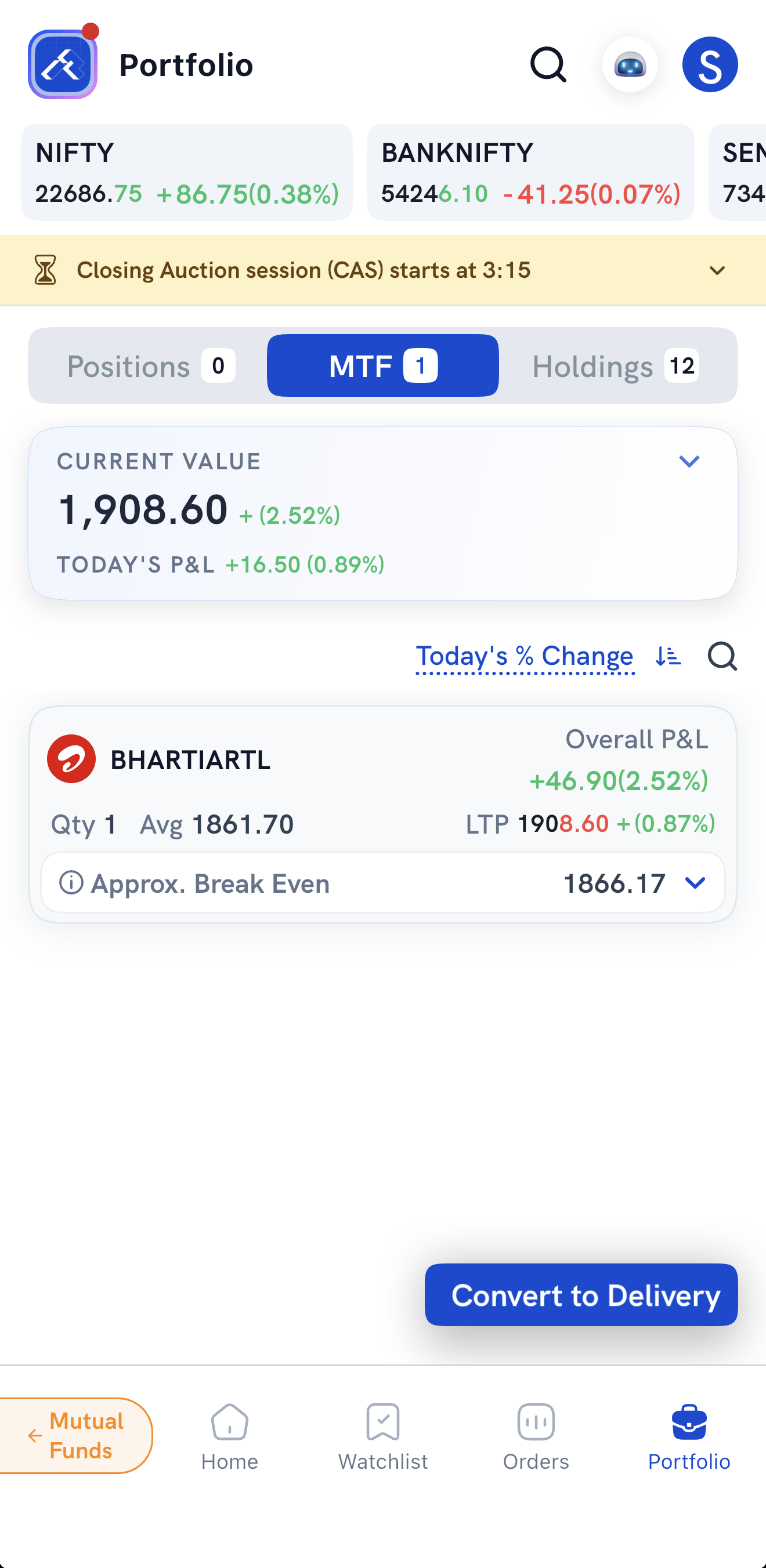
1. Go to Portfolio > MTF and tap Convert to Delivery.
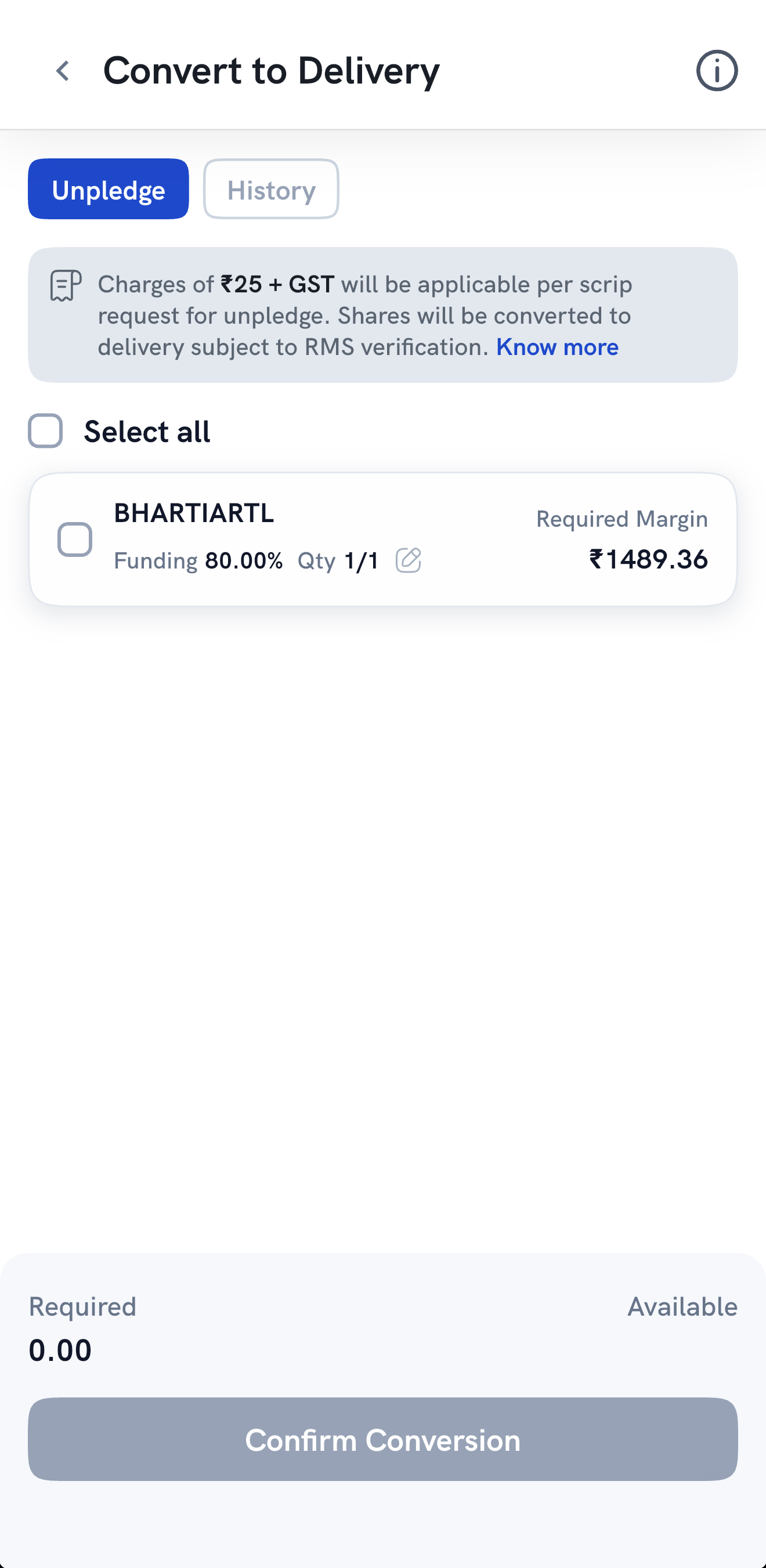
2. On the Unpledge tab, select the stocks you want to convert. Tick each stock, or tick Select all. Each stock shows its funding percentage, quantity and the Required Margin to convert it. To convert only part of a position, tap the edit icon next to the quantity.
3. Check the Required and Available amounts at the bottom, then tap Confirm Conversion. The conversion goes through only if the required funds are available in your account.
How do I check my conversion requests?
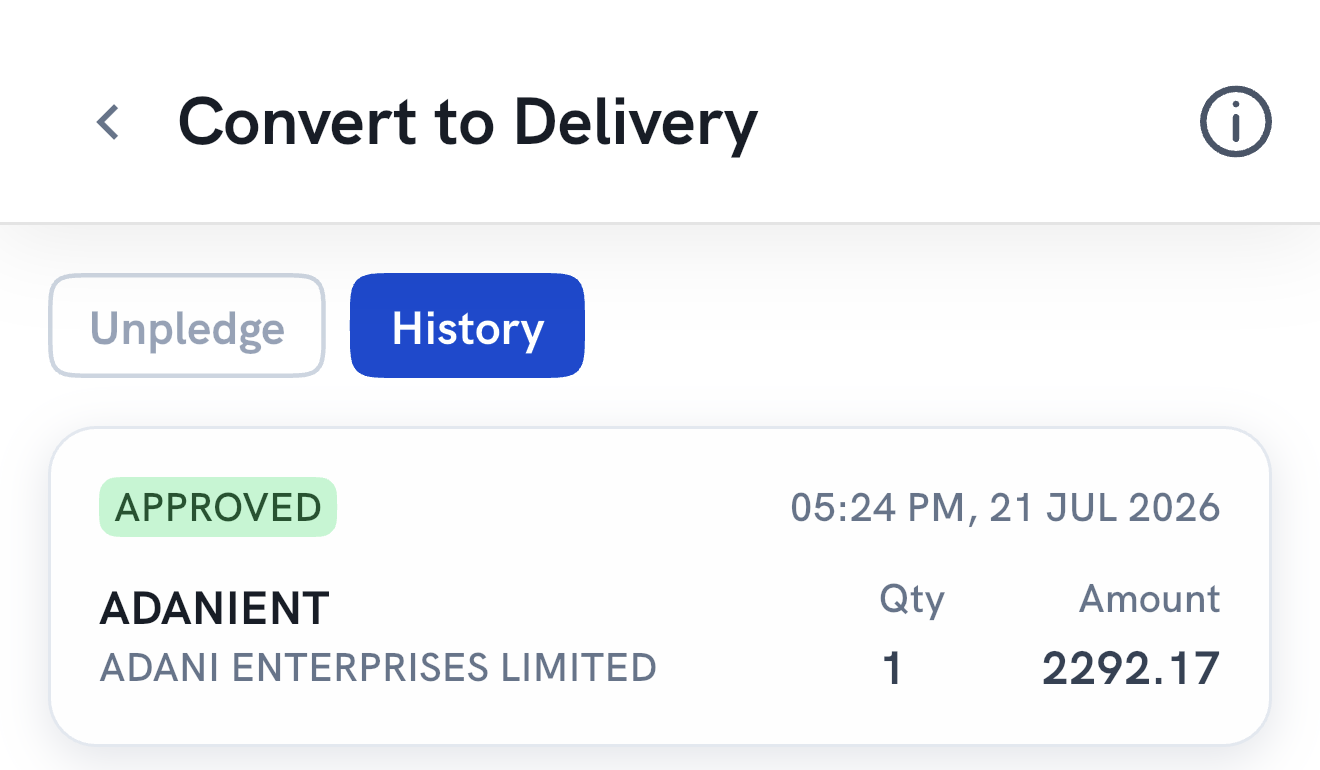
On the Convert to Delivery screen, tap the History tab. Each request shows its status, the date and time, the quantity and the amount.
What does each conversion status mean?
- Approval Pending: your conversion request is under review. Our team will verify available funds and quantity before approval.
- Approved: your conversion request has been approved, and positions have been converted to delivery.
- Partially Approved: your conversion request has been approved partially due to insufficient funds.
- Rejected: your request has been rejected due to insufficient funds.
Things to keep in mind
- Conversion is processed only if sufficient funds are available in your account.
- All conversions are subject to RMS verification.
- Shares bought the same day are unpledged and converted only after they're credited to your demat account.
- The converted positions appear in your holdings from the next trading day.
- Unpledge charges: ₹25 + GST per stock, per conversion request. Converting unpledges the shares, which were pledged automatically when you bought them under MTF. See How are pledge and unpledge charges calculated? for the full breakdown.